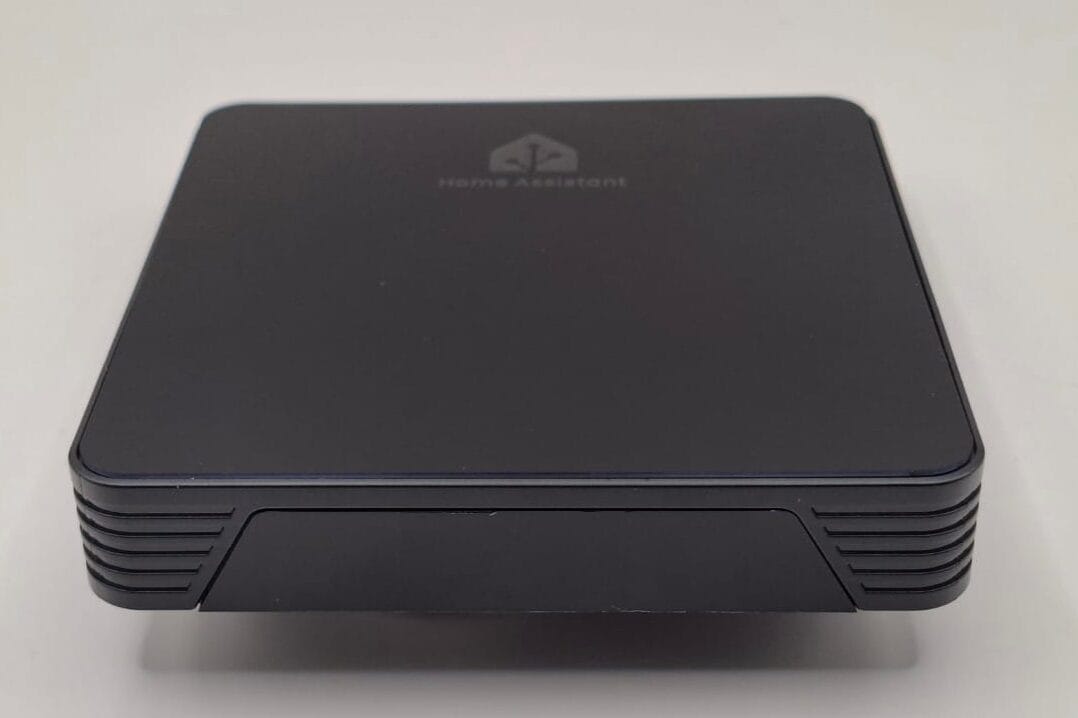
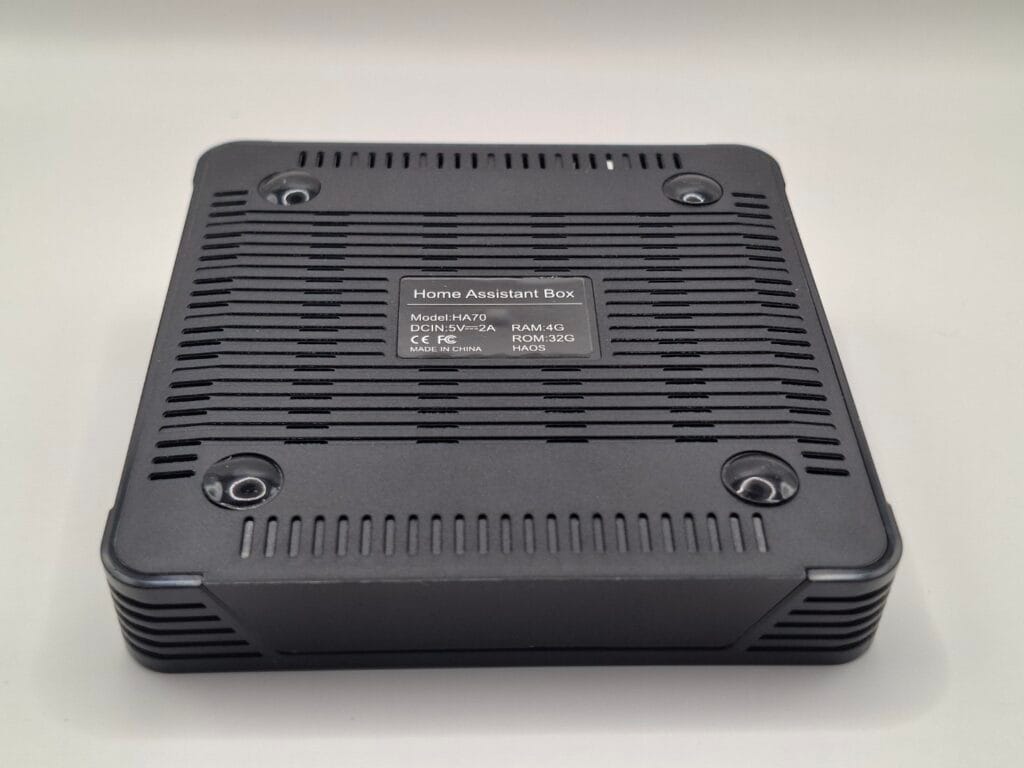
In November 2025, I spotted something on AliExpress that seemed too good to be true: the AVATTO Home Assistant Box HA 70, priced at just €37.56. It looks exactly like a generic Android TV box, but the listing claimed it came pre-installed with Home Assistant.
Could a dedicated smart home hub really be this cheap? Is it even usable, or just a piece of e-waste? I decided to spend the €37 to find out. I bought this device with my own money, and this AVATTO HA 70 review is based entirely on my hands-on testing.
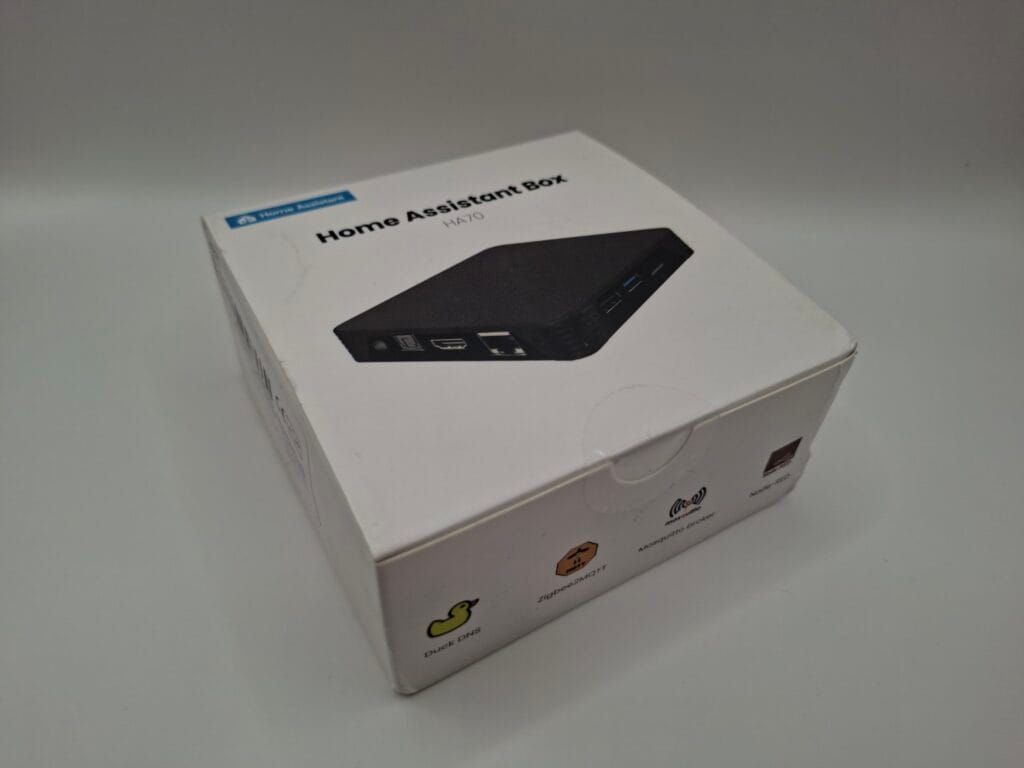
The packaging is as cheap as you’d expect, but it survived the trip in the standard AliExpress plastic mailer.
Hardware Specifications
On paper, the specs are surprisingly decent for a budget device aimed at running a lightweight smart home server.
- CPU: Quad-core Cortex-A53 (Rockchip)
- RAM: 4GB
- Storage (ROM): 32GB
- Networking: 1x Ethernet RJ45
- Ports: 1x HDMI 2.0, 1x USB 2.0, 1x USB 3.0, 1x SPDIF, 1x SDHC/SDXC slot
- Dimensions & Weight: 103x103x19 mm, 99 grams
- Accessories: A generic 5V/2A power supply (Model: 05020002) and a very brief instruction manual.
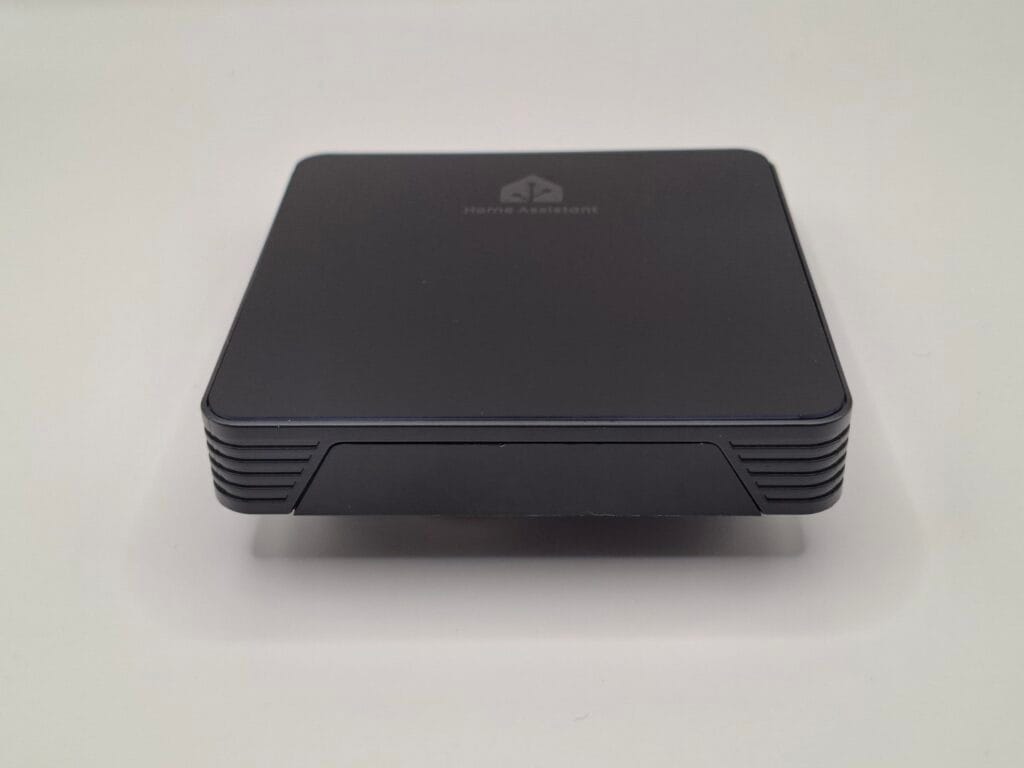
The box itself feels surprisingly solid. The glossy black top panel features the Home Assistant logo, though it is a massive fingerprint and dust magnet. The front houses a small digital display, and the sides/back provide all the necessary I/O.
First Boot: The Privacy Test
Given the origin of the device, I was cautious. Before letting it anywhere near my home network, I connected it to a video capture card via HDMI and plugged in the power, leaving the Ethernet cable unplugged.
Within minutes, the front display showed a LAN IP ERROR, which makes sense. On my monitor, the Home Assistant Command Line Interface (CLI) popped up, revealing some very interesting details.
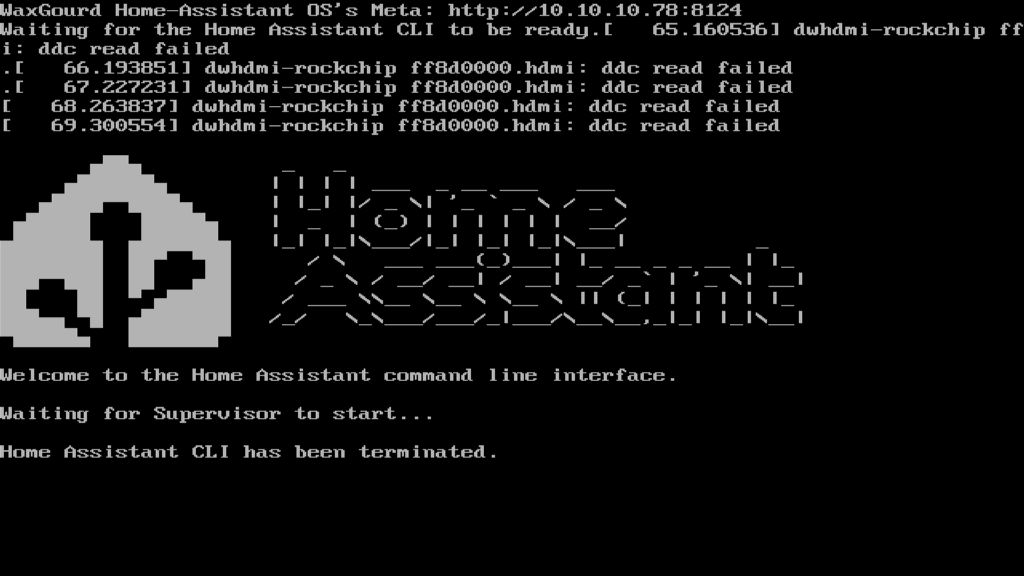
First, the logs were full of HDMI errors like this: dwhdmi-rockchip ff8d0000.hdmi: ddc read failed This is completely normal for headless setups using Rockchip processors and shouldn’t affect performance once it’s running in your closet. More importantly, the screen confirmed the software version: Home Assistant OS 16.2 and Core 2025.10.1.
HAOS vs. Supervised: A Crucial Distinction
If you look at the official Home Assistant website, they explicitly warn against installing HA on Android TV boxes. However, that warning applies to Supervised installations (where HA runs on top of a messy Android or Debian layer).
This AVATTO box is different. It runs a bare-metal image of Home Assistant OS (HAOS). This is a massive plus, as it means the hardware is directly controlled by the OS, allowing for proper Supervisor updates.
Network Setup and Onboarding
Confident that it was running a legitimate HAOS image, I plugged in the Ethernet cable and rebooted. My OPNsense router immediately assigned it an IP address.
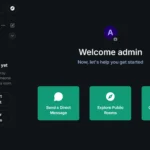
Navigating to http://homeassistant.local:8123 in my browser brought up the familiar Home Assistant onboarding screen.
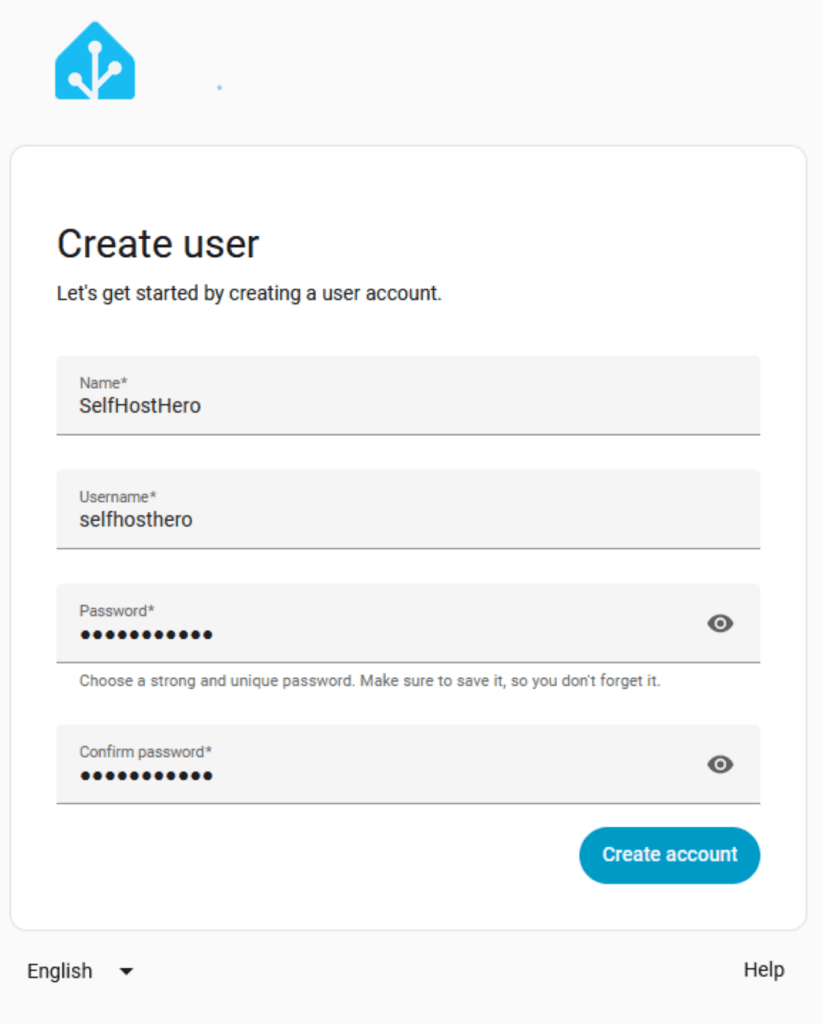
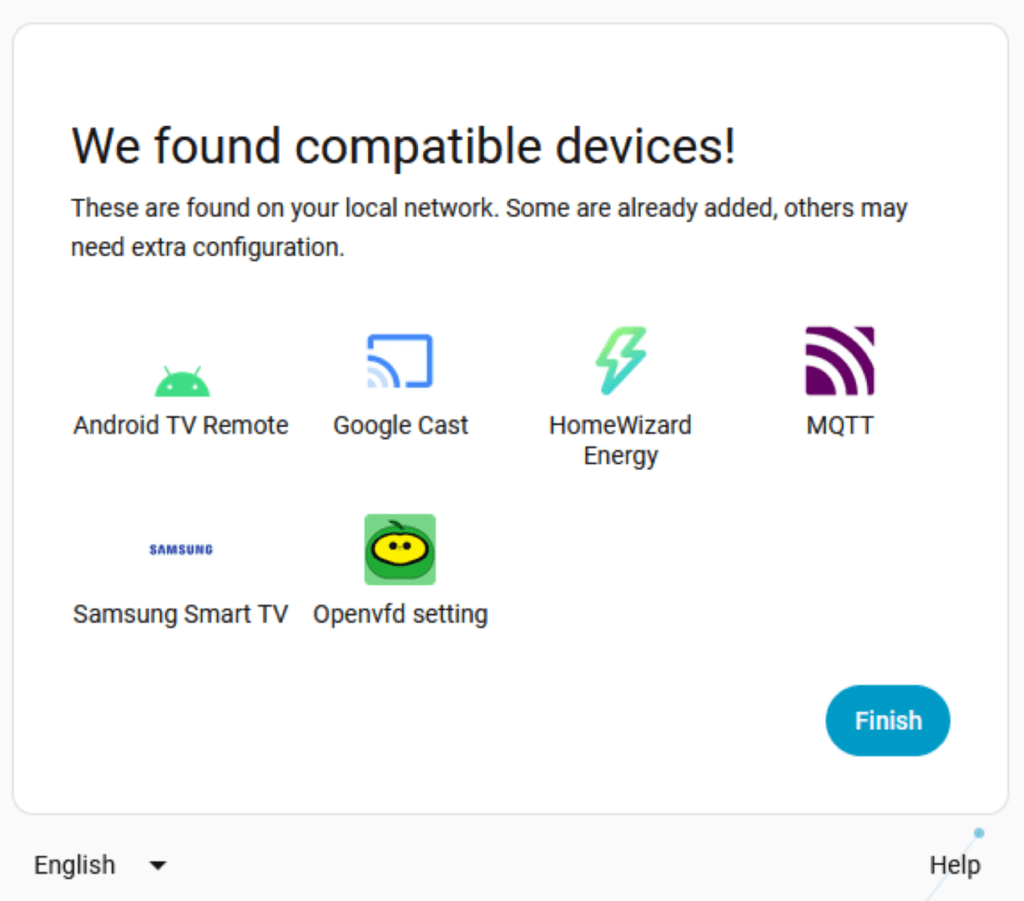
I created my local account (always use a strong password, not password123) and disabled the analytics tracking on the next page. Within seconds, it discovered several compatible devices on my local network, including my MQTT broker and smart TVs.
Updates and Log Errors
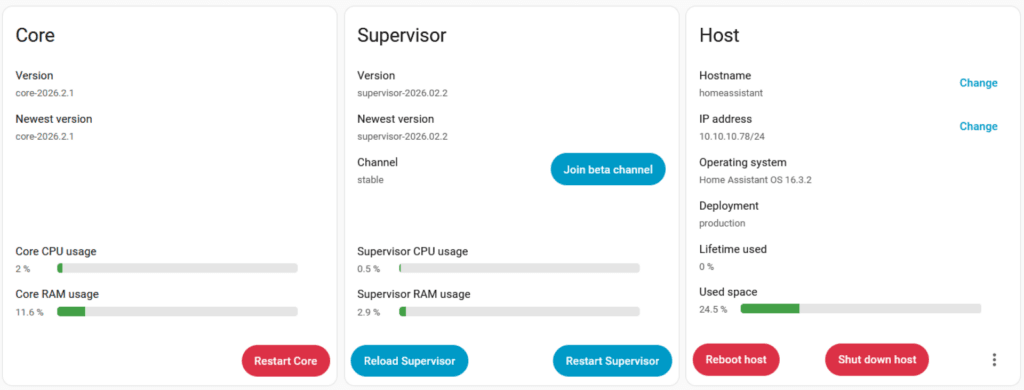
A pre-installed box is only useful if you can update it. Under the settings tab, I found three pending updates and three repair warnings.
The add-ons Node-RED, DuckDNS, and Samba share failed to start on boot. Checking the logs revealed why:
- DuckDNS:
Add-on core_duckdns has invalid options: Missing required option 'domains' - Samba Share:
Add-on core_samba has invalid options: Missing required option 'password'
These aren’t hardware failures; they simply require configuration. Since I use a dedicated VPN to access my network, I uninstalled DuckDNS. I also uninstalled Samba, as 32GB is too small for a useful network drive anyway. After clicking “Start” manually for Node-RED, it booted right up.
The real test was updating the core system. I initiated the update to HAOS 16.3.2. The box rebooted on its own, and after a tense five minutes, it came back online successfully. Following that, the Core update to 2026.2.1 took about 15 minutes and finished without a hitch. The interface remained surprisingly snappy throughout the process.
Hardware Teardown: What’s inside the box?
I don’t just trust spec sheets, so I grabbed a screwdriver and opened the HA 70. What I found inside was genuinely surprising for a €37 device. Avatto didn’t cheap out on the vital components.
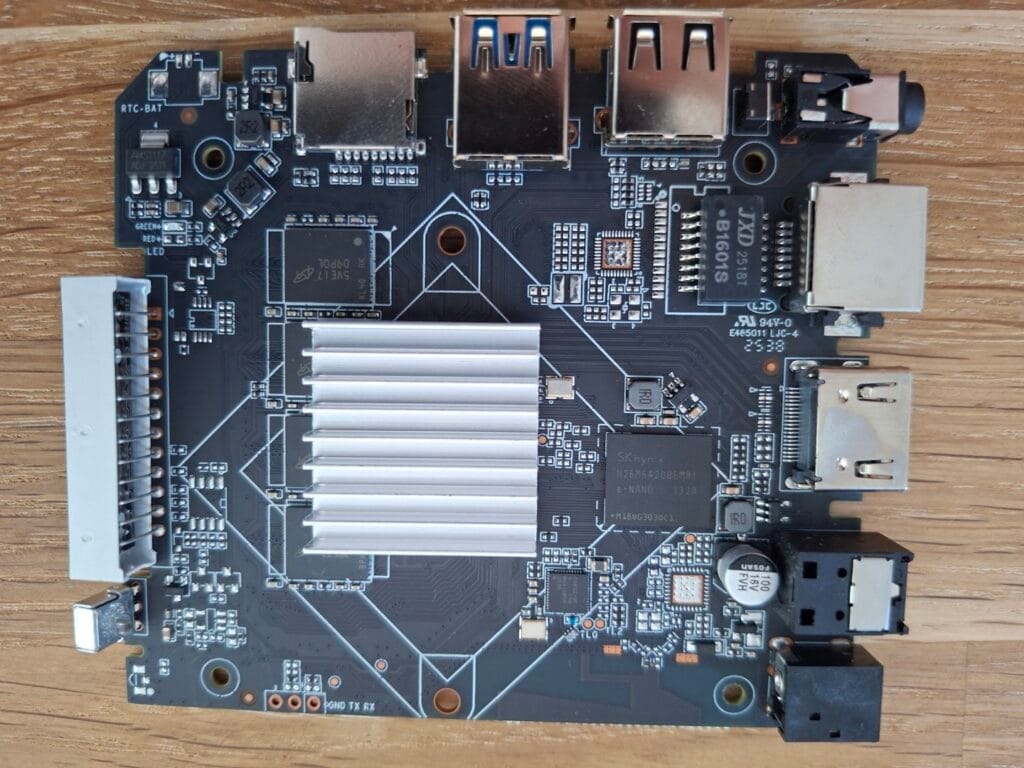
- RAM (Micron): I found 8 individual chips marked
D9PQL. These are Micron LPDDR3 chips, confirming the box genuinely has 4GB of RAM. - Storage (SK Hynix): Instead of a cheap SD card prone to corruption, the board features an
H26M64208EMRIchip. This is a 32GB eMMC 5.1 module from SK Hynix. eMMC storage is vastly more reliable for the constant database writes required by Home Assistant. - Networking (JXD): The
JXD 2518Tchip handles the Ethernet. It’s a 100Mbit (Fast Ethernet) connection. While Gigabit would be nice, 100Mbit is more than enough for smart home commands. - Power Regulator: The
EA652chip handles voltage regulation. It’s highly efficient, which explains the thermals (more on that below).
The Mystery Chip
Near the SD card slot, I noticed a chip with the marking AI ** 28 13bg516.
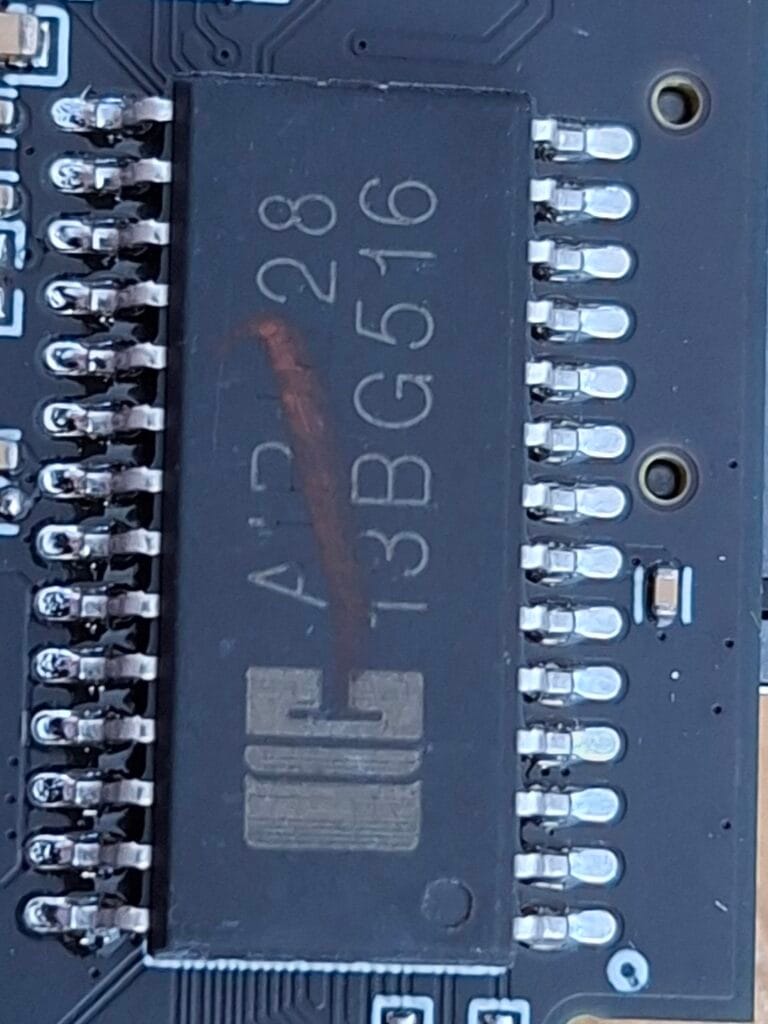
The text looks almost scratched out, which isn’t uncommon with bulk components sourced from Shenzhen. Given its location, this is likely the SD/eMMC storage controller. Despite its shady appearance, it handled the heavy read/writes during the OS updates flawlessly.
Power Consumption and Thermals
Using a power meter, I tested the box under load and at idle. During the boot process, it peaked at just 4 Watts. Once settled, the idle draw dropped to an incredibly low 2.1 Watts, the idle dropped even further once i disconnected the hdmi cable, it went down to 1.6 Watts.
Thanks to the efficient Cortex-A53 processor and LPDDR3 memory, the device barely generates any heat. Both the top and bottom of the plastic case remained cool to the touch, even during a 15-minute system update.
Expanding the Hub: USB Zigbee Testing
A smart hub isn’t complete without radios. I plugged a cheap USB Zigbee antenna into the USB 3.0 port. The system recognized the hardware immediately, and I was able to pass it through to the ZHA integration without the device freezing or crashing.
(Note: I will cover the full setup of a budget Zigbee network on this box in Part 2 of this series).
The Catch: Drawbacks and Pricing
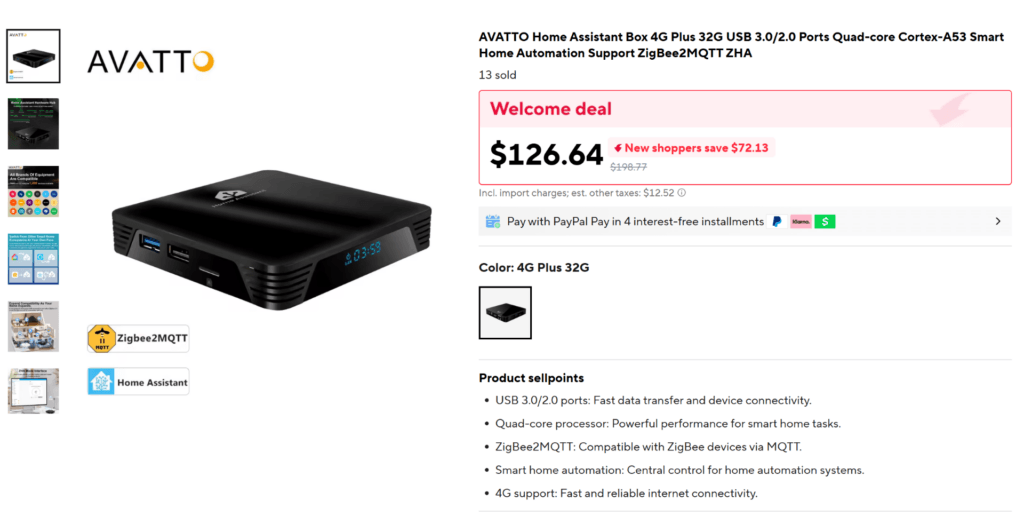
I could hardly find a fault with this setup until I checked AliExpress again. As of writing, the price for this exact AVATTO HA 70 box has skyrocketed to $126.64. This completely changes the narrative.
If you are considering this device, keep these drawbacks in mind:
- The Price Hike: At €37, this is an absolute steal. At $126, it is a terrible deal. For that price, you are much better off buying an official Home Assistant Green or a refurbished Intel N100 Mini-PC, which offers vastly more power and official support.
- Unbranded Power Supply: The included 5V/2A adapter is completely unbranded. Cheap power supplies are the #1 cause of database corruption in self-hosting. If you buy this, replace the plug with a quality one.
- Black-Box Bootloader: We know it runs HAOS, but we don’t know what’s baked into the bootloader at the factory. For peace of mind, put this device on an isolated VLAN and block its internet access (allowing only specific update servers).
- Zero Hardware Support: If the SK Hynix eMMC chip dies in two years, the device is essentially a brick. You don’t get the community hardware support you’d have with a Raspberry Pi.
Final Verdict of this AVATTO HA 70 review
The AVATTO HA 70 is a fascinating piece of hardware. Internally, it features high-quality components from Micron and SK Hynix that you rarely see in ultra-budget TV boxes. It runs a true HAOS image, updates flawlessly, and sips power at just 2.1W.
Should you buy it? If you can find it for its original price of under €45, absolutely. It is the perfect, low-risk entry point into self-hosting your smart home. However, if the price remains above $100, skip it entirely. At that price point, the lack of official support and the questionable power supply make it a hard pass compared to more established alternatives.
*** Would you like to see how we turn this €37 box into a fully functioning Zigbee hub? Keep an eye out for Part 2!